
The biggest risk when facing a login problem is not just being unable to access the account; it's entering passwords, OTPs, or personal information on the wrong page. So, if there is a cv666 login problem, it is essential to first ensure that you are on the correct page, that your credentials are correct, and that there are no phishing signals before seeking a quick solution.
Check the page and domain before logging in.
Be cautious when going directly to the login page from search results, social posts, links found in your inbox, or old bookmarks. Fake pages can be created using similar names, spellings, or designs.
Before providing login information, verify a few things:
- Is the domain spelling in the address bar unusual?
- Is it redirecting to another domain immediately after opening the page?
- Is it asking for payment, deposit, or additional personal information before logging in?
- Does the page's language, logo, layout, or input field seem unusual?
- Is the browser showing a security warning?
- Is there any pop-up asking for a password or OTP?
| What you are seeing | What to do |
|---|---|
| Misspellings or unfamiliar domains. | Stop login |
| repeated redirects | Do not provide your password. |
| Message asking for OTP or password. | Do not share. |
| The page is unusually slow or broken. | Verify again. |
| Security warning. | Leave the page. |

Recheck your password, username, and autofill.
Login problems can often arise from very simple mistakes. Incorrect passwords, case sensitivity, extra spaces, incorrect usernames, or mobile keyboard auto-correct can all cause login failures.
Before entering the same password repeatedly, check these:
- Whether the username or ID is written correctly
- Whether there are extra spaces at the beginning or end of the password
- Whether Caps Lock or the Bengali/English keyboard layout is incorrect
- Whether autofill is inserting an old password
- Whether you are mistakenly using a password from another site
It is not safe to use the same password on many sites. If in doubt, stop yourself first, then check if there is a safe recovery option.
Separate browser, network, and device-related issues
Not all login problems are account-related. Sometimes the page may not work properly due to browser cache, old sessions, weak internet, or mobile settings.
You can check:
- Open in a new tab without refreshing the page
- Check if browser cache or old sessions are the cause of the problem
- Use a stable connection if mobile data is weak
- Check if VPN, data saver, or ad blocker is blocking the login page
- Check if the captcha or verification screen is loading
- Be aware if the same account is open on multiple devices or tabs
However, do not use unfamiliar links while doing this. Do not provide any credentials unless you are sure of a safe page.
To recover your password, only use a trustworthy flow
If you forget your password, rushing to use social media inbox, forwarded messages, or third-party reset links is risky. The most important rule during recovery is—do not share your password, OTP, recovery code, or security code with anyone.
Be cautious when recovering if:
- Any person asking for the password under the guise of support
- The reset link comes from an unknown domain
- Asks to “verify” the account with OTP
- Asks to make payments or deposits without logging in
- The recovery page repeatedly redirects to other sites
When creating a new password, do not use your name, date of birth, phone number, or simple numbers. Taking a screenshot of the password or sending it in chat is also not safe.
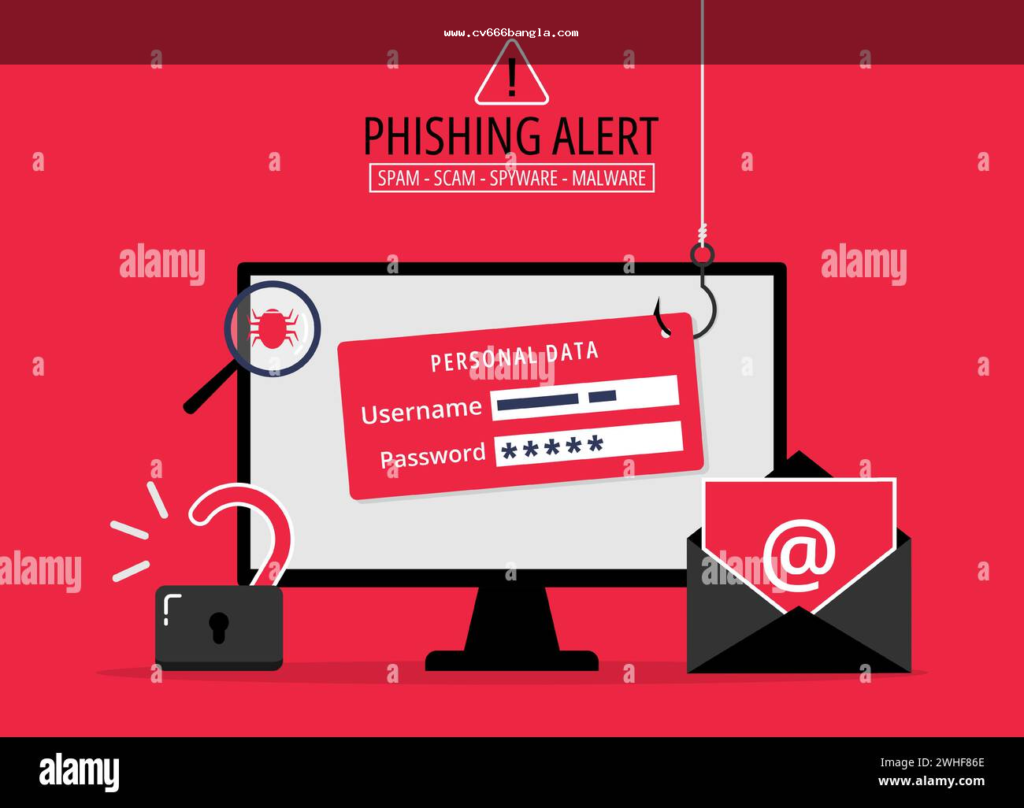
Take extra caution when seeing app, APK, or mobile login
When logging in from mobile, pages related to app or APK may appear. It is essential to understand the source, permissions, and login prompts before installing any file. Just matching the name does not mean any app or APK is safe.
Warning signs on APK or app pages:
| Signals | Risks. |
|---|---|
| Downloading from unknown sources | May be a fake app or malware |
| Asking for unusual permissions | Personal data may be at risk |
| Asking for OTP immediately after installation | Could be phishing |
| Repeatedly pushing APK downloads from the browser | Suspicious behavior |
| Showing deposit link before login | Needs to be verified |
If unsure, keep both install and login disabled. Entering the password in the wrong app may make account access even more risky later.
When to stop trying to log in
Many people repeatedly enter their password when there is a login issue. But in some situations, stopping is the safe decision. Especially if the behavior of the page or message seems unusual, it is better not to try further.
Stop if:
- The name of the page or domain seems suspicious
- Payment information is requested before logging in
- Complete password or OTP is requested under the guise of password reset
- Someone is personally asking for the code under the pretext of support
- A warning or suspicious redirect is seen in the browser
- The same mistake is happening repeatedly, but the reason is not understood
In this situation, you should not provide password, OTP, or payment details without verifying the information again.
Final check for safe account access
Before attempting to access the account, keep three things clear: whether the page is correct, whether the credentials are under your control, and whether there are any phishing signals. A login problem may be temporary, but entering a password on the wrong page can lead to significant damage.
If in doubt, take a break, verify the link again, do not give your password or OTP to anyone, and do not use unfamiliar recovery flows. Stay safe login It means not just opening an account—keeping your credentials, device, and personal information secure.
First, check the page's domain, redirect, security warning, username/password input, and any browser or network issues.
No. Before trying repeatedly, check the keyboard, autofill, Caps Lock, extra space, and whether the page is genuine or not.
Just use the normal recovery flow provided on the platform. Avoid unfamiliar messages, inboxes, or third-party links.
No. It is not safe to give anyone your password, OTP, recovery code, or security code.
Immediately close the login. Do not provide your password or payment details and verify the page again.